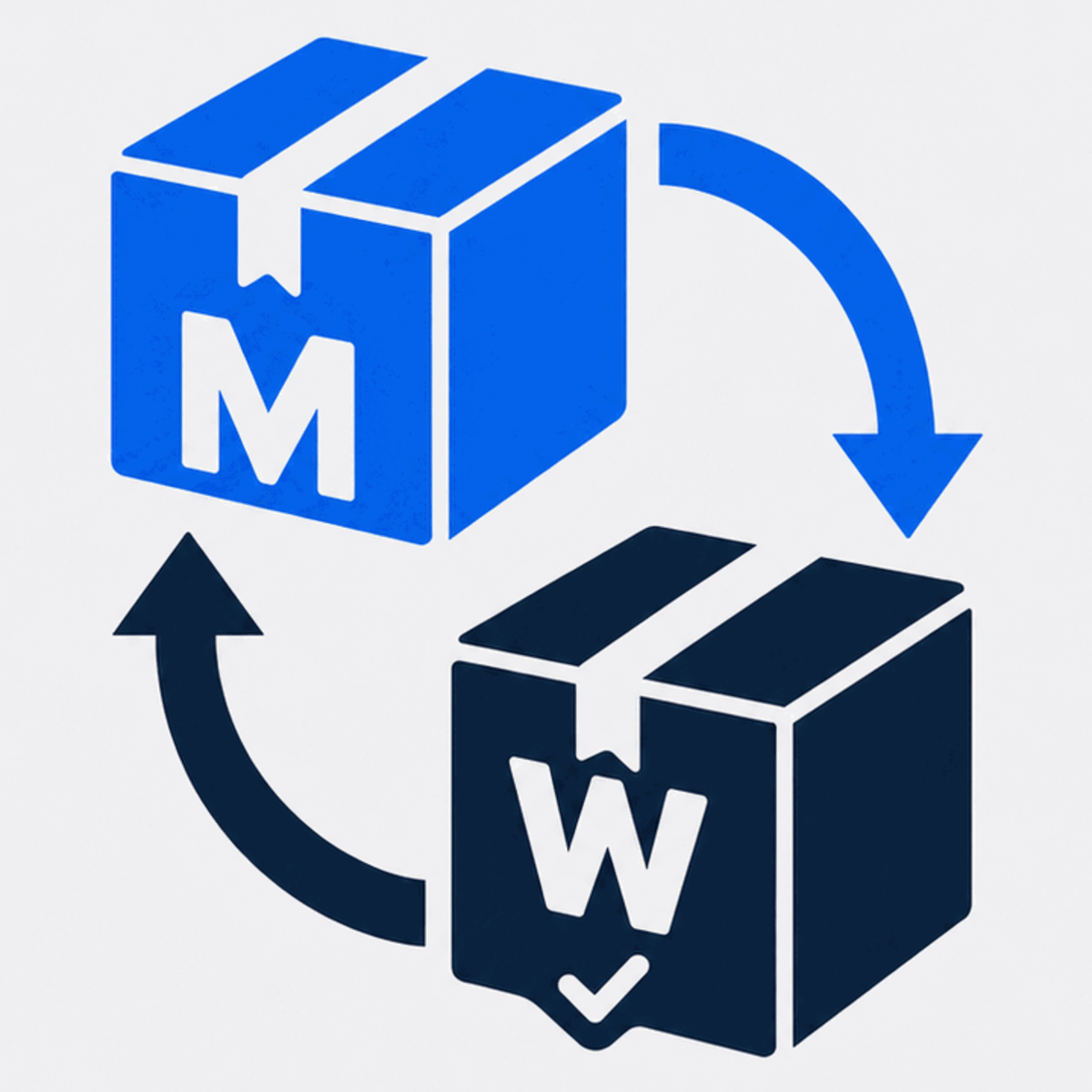
Shopify reorder app vs subscription app
Effective: August 23, 2026
Reorder apps and subscription apps both support repeat purchases, but they solve different customer jobs. A reorder is initiated when the customer is ready. A subscription schedules future orders under an ongoing agreement. The right choice depends on product cadence, customer control, and operational complexity.
The core difference
Reorder app
The customer returns to a past order, selects items, reviews the current catalog, and chooses when to buy. There is no automatic future charge or fixed schedule.
Subscription app
The customer agrees to recurring orders or billing on a schedule, usually with controls for pausing, skipping, changing, or cancelling future deliveries.
When a Shopify reorder app fits better
- customers buy again, but not on a predictable schedule;
- the next order may contain only some items from the last order;
- quantities, variants, or product combinations often change;
- customers prefer to approve every purchase themselves; or
- the catalog changes enough to require current availability checks.
Reorders work well for flexible replenishment, occasional bulk purchases, gifts, seasonal products, and mixed baskets. The value is convenience without commitment: the customer starts with familiar products but can change the new order before checkout.
When a Shopify subscription app fits better
- consumption follows a stable weekly or monthly cadence;
- customers want delivery without returning to place each order;
- the product and fulfillment model support recurring commitments;
- the business can manage skips, failed payments, changes, and cancellations; or
- a subscription benefit is strong enough to justify the commitment.
Subscriptions can suit essentials and refills with predictable usage. They also create more operational and customer-service obligations. The merchant must clearly explain recurring terms and provide the controls required by the platform and applicable law.
How catalog changes affect the decision
A past purchase may reference a sold-out variant, a discontinued SKU, or an old price. A reorder flow can check the catalog when the customer returns and ask them to choose a replacement. This is useful when change is expected and the customer should approve the final basket.
A subscription needs a defined policy for unavailable products and substitutions before the next scheduled order. If replacement logic is not predictable or acceptable without a fresh decision, a customer-initiated reorder may be safer and clearer.
You can use both without making them compete
A store may offer subscriptions for a small group of predictable essentials and Buy Again for everything previously purchased. Keep the choices distinct: one option creates a recurring schedule; the other creates a new order only when the customer starts it.
Use labels and landing pages that explain this difference. Do not present a one-time reorder as a subscription or imply that a Buy Again click creates future charges.
A simple decision checklist
- Is the reorder interval stable enough to schedule?
- Does the customer want automation or control each time?
- How often do products, variants, prices, and quantities change?
- Can operations support recurring order exceptions?
- Which outcome will you measure: opt-in retention or paid reorders?
If control and flexibility matter most, start with a Shopify reorder flow. If timing is stable and customers value automatic delivery, evaluate a subscription model. Test the customer experience before expanding either one.
Give customers a flexible Buy Again option
MW ReorderFlow adds customer-controlled reorders to new Shopify customer accounts while preserving the current cart and checking the catalog before products are added.