Shopify reorder app for customer accounts
MW ReorderFlow adds a Buy Again action to Shopify customer accounts. Customers can review items from a paid order, adjust quantities, choose alternatives for unavailable products, and continue with the cart they already have.
Reorder past purchases without rebuilding the cart
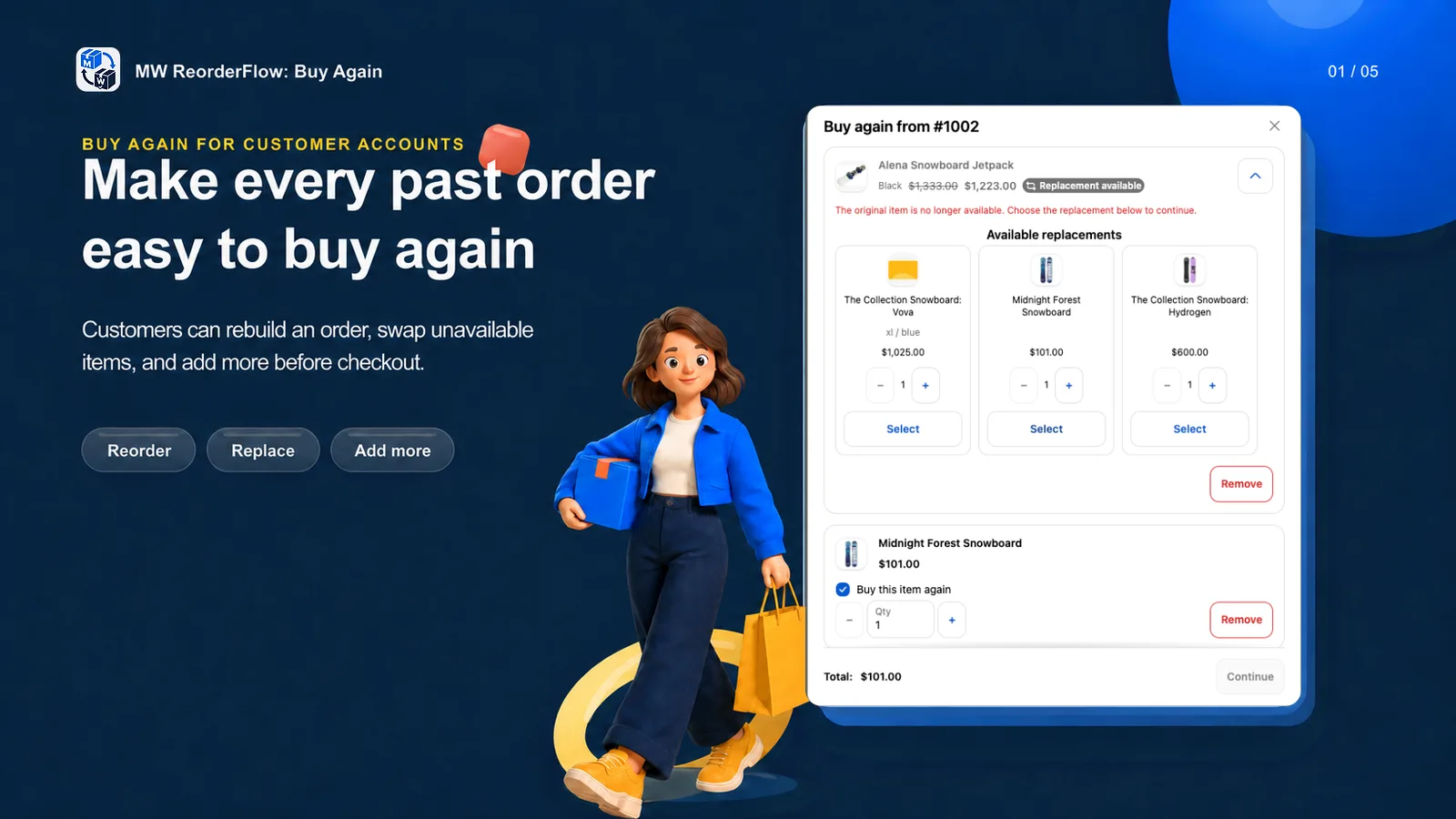
A customer opens a paid order in their Shopify account and starts the Buy Again action. The App presents the eligible order lines so the customer can keep, remove, or change the quantity of each item.
Before selected lines are added, MW ReorderFlow checks current variants, prices, availability, inventory, and quantities. It keeps the existing Shopify cart and merges only compatible lines instead of clearing what the customer already selected.
Keep reorders useful when products change
Past orders often contain discontinued variants or products that are temporarily unavailable. The App can show up to three suitable replacement choices. Merchants can use Shopify-based automatic recommendations or define their own product and variant mappings.
The original item is not silently replaced. The customer sees the available alternatives and chooses whether to use one. Read how replacement choices for unavailable products work.
Add relevant products to the reorder
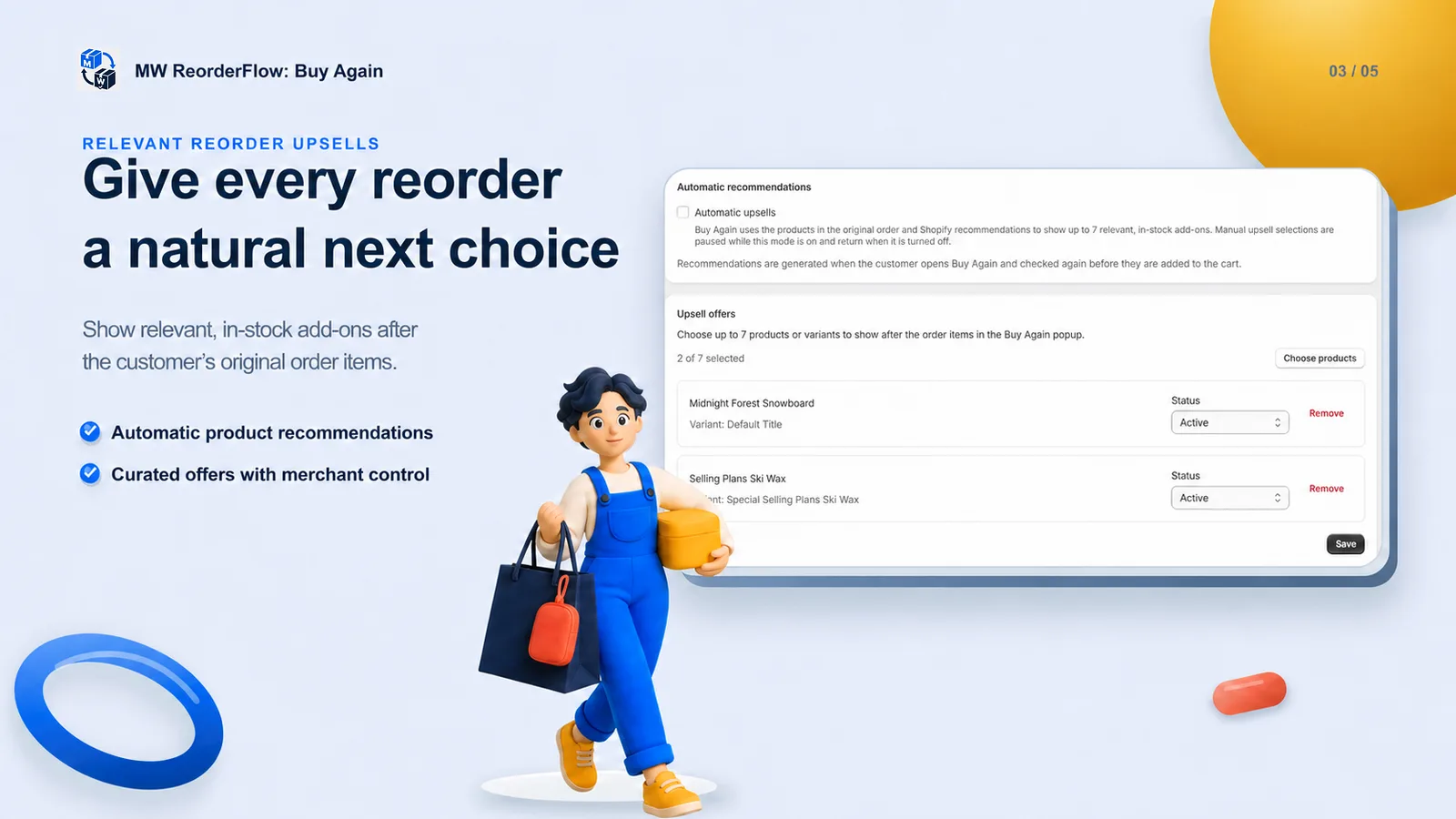
Upsells appear after the original order items in the Buy Again flow. A merchant can curate up to seven products or variants, or use automatic recommendations based on the original order. Availability is checked again before selected add-ons reach the cart.
Measure completed reorders
Built-in analytics report Buy Again clicks, paid reorders, and attributed revenue over time. A reorder counts only after a paid Shopify order is attributed to the reorder session, so the dashboard focuses on completed outcomes rather than cart activity alone.
Add Buy Again to customer accounts
Setup uses Shopify's customer account editor. Add the order action, disable the duplicate native button, and test the flow with a paid order before launch.
Planning retention around repeat orders? Browse the Shopify reorder guides or compare reorders with subscriptions.